CityCAD 3.2 Launched
September 12, 2022
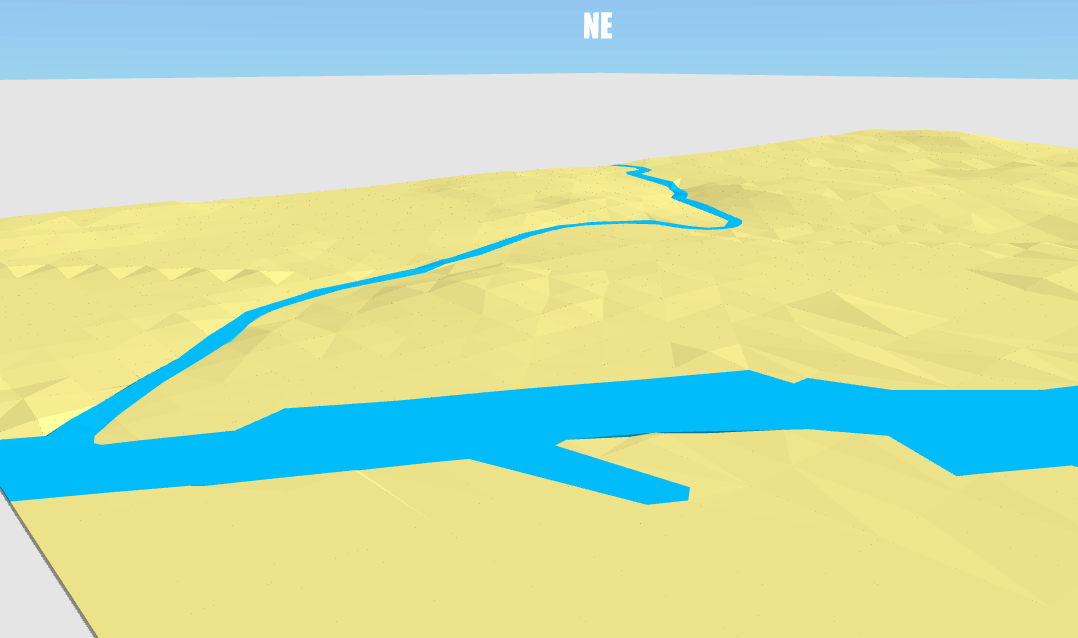
In CityCAD 3.2, we are introducing an exciting new feature to make it easier to work with terrain on sloping sites.
Previously, you could adjust the individual level of route nodes, and import a 3D DXF mesh which could be converted into CityCAD routes.
The simplified workflow is now:
- Create your model 'on the flat', by sketching over an image or importing CAD outlines.
- Import your terrain as 3D contour lines.
- Click the 'Match Terrain' button, and the levels in your CityCAD model will be adjusted to follow the terrain.
- If you need to edit your model, you can click 'Flatten Model' to bring all nodes back to the ground plane, to make it easier to edit.
We would like to thank CityCAD users who we have worked with on this new feature, and we are always grateful for feedback. Please share your experiences of this new workflow and let us know what we can do to make CityCAD work better for you.